How to Download
Quick guide • 4 easy steps
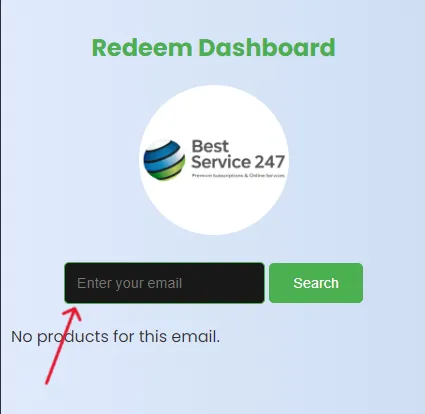
Use the exact same email to see your assigned products.
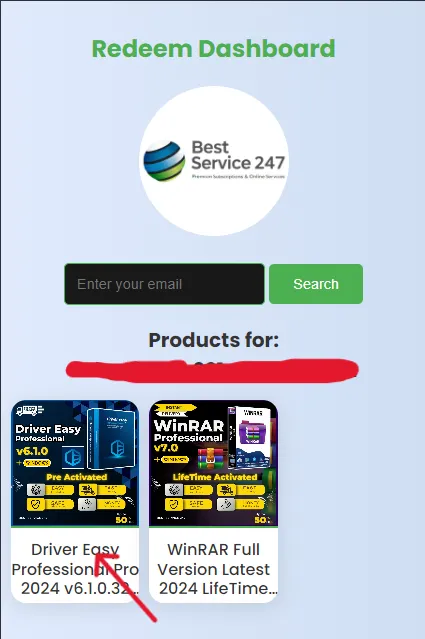
Tap a card to see mirrors (backup links).
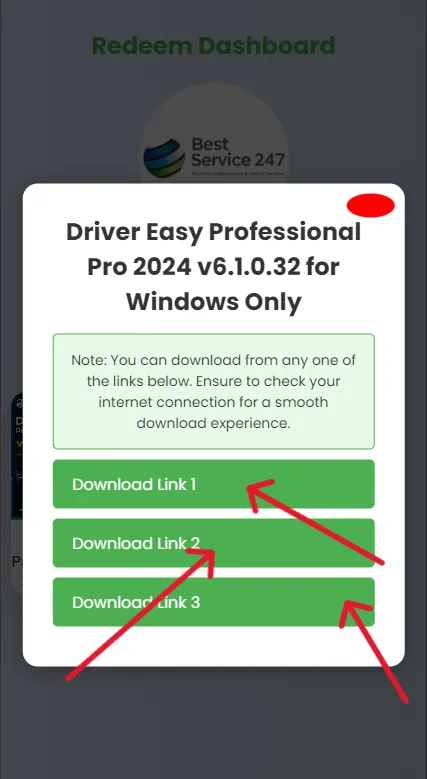
If a link is slow or blocked, try another mirror.
Use the exact same email to see your assigned products.
Tap a card to see mirrors (backup links).
If a link is slow or blocked, try another mirror.